
One library. More ways to read.

Bring your books together. Read offline, listen to a chapter, translate a passage, or ask about the page you’re on. For Android and Fire.

See what Kairon can do

A reader that feels like yours

Make time for a chapter, find a passage again, or carry on listening when your hands are busy.

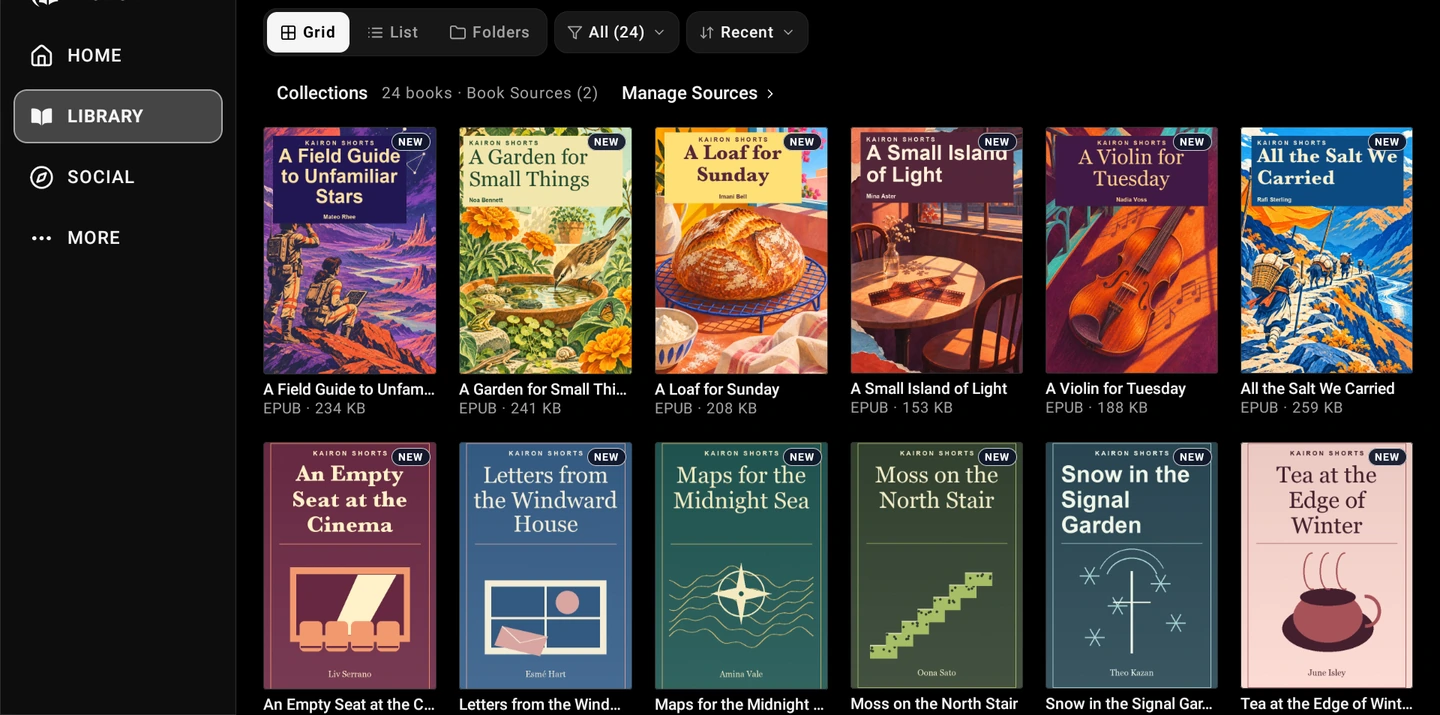
Give your books a home

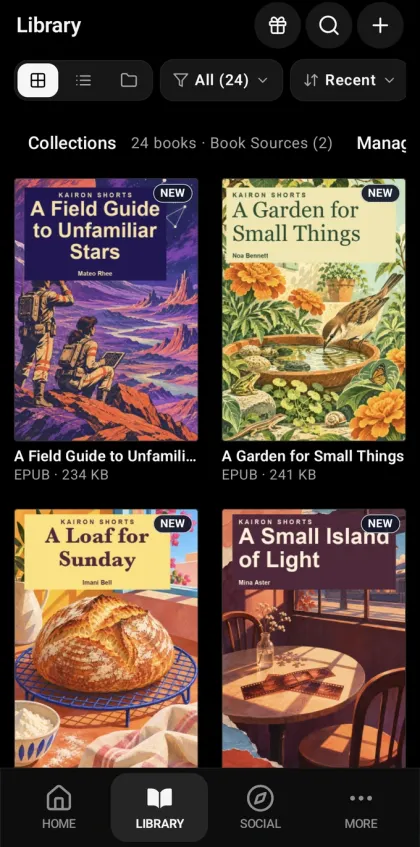
Bring your own EPUBs, PDFs and comics into one library. Make collections, return to a recent book, and read downloaded files offline.

  • EPUB, PDF, TXT, CBZ and compatible audiobooks
  • Collections, recently opened books, and offline reading
  • Free classics, LibriVox audiobooks, and OPDS catalogs

Kairon library on a Fire tablet with a grid of illustrated book covers.

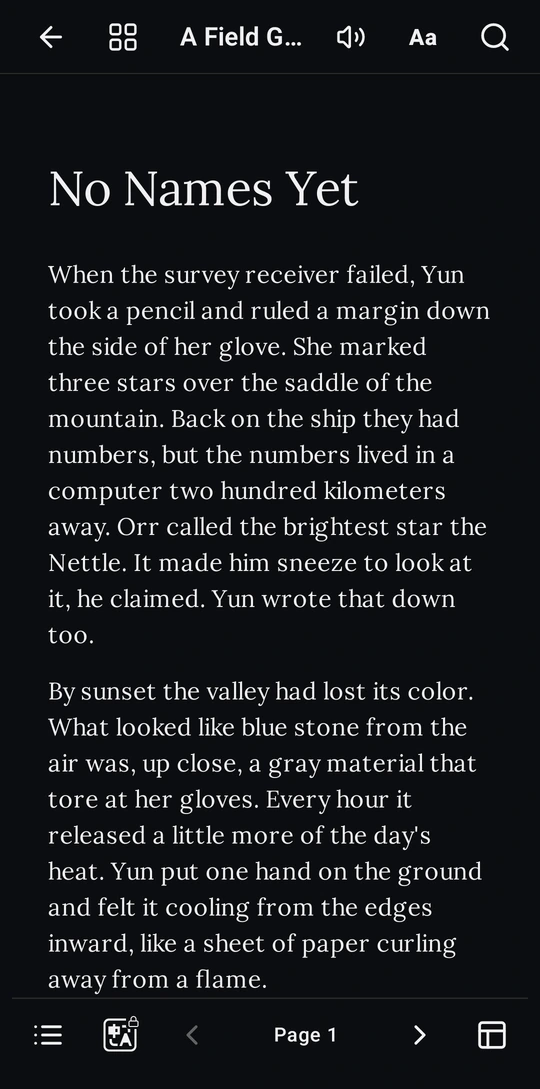
A page that reads the way you want

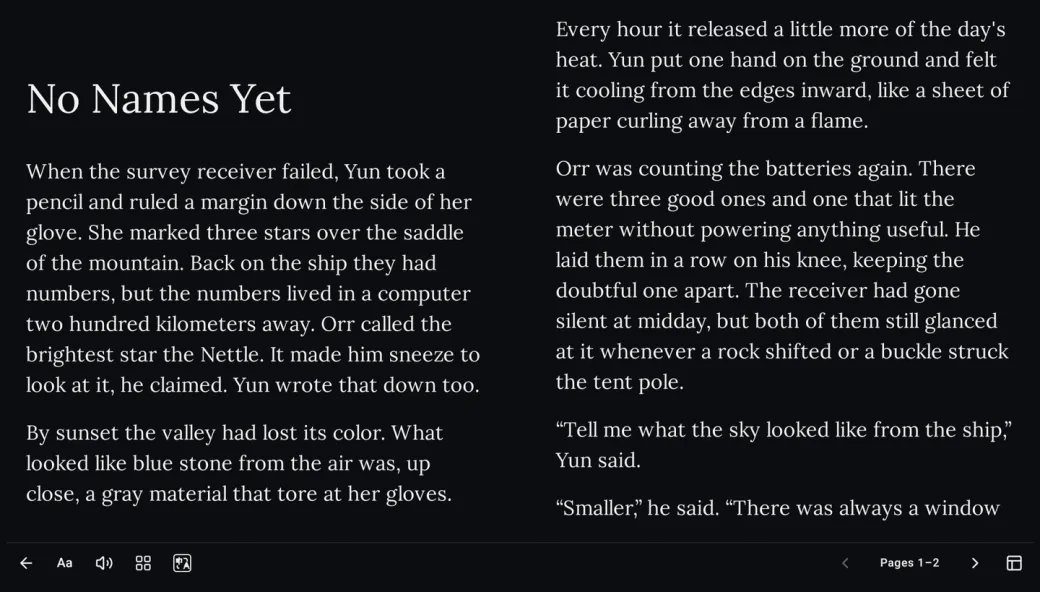
Tune the type and layout, or open two consecutive pages on a wider screen. Find your place again with chapter navigation, search, and reading history.

  • Reading themes, fonts, and spacing
  • Two-page view on supported screens
  • Table of contents, in-book search, and jump history
Two consecutive ebook pages in the Kairon reader on a Fire tablet.

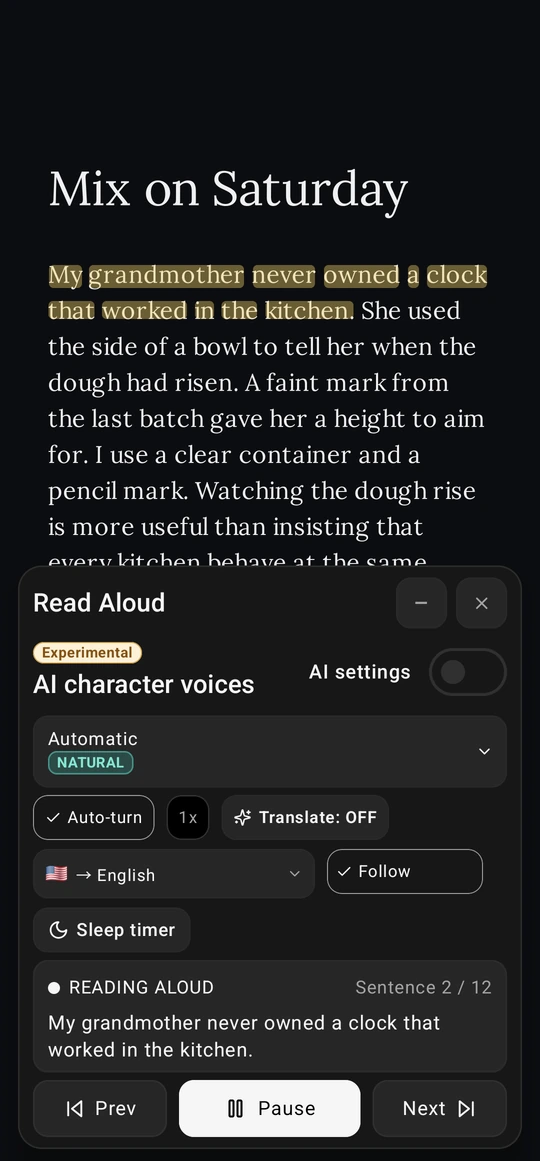
Listen as you read

Read Aloud follows the current sentence. Adjust the speed or pause when you need a moment. Voices depend on your device and installed languages.

  • Sentence highlighting, speed control, and auto-turn
  • Sleep timer and compatible installed voices
  • Audiobook chapters and playback controls
A sentence highlighted in the reader above the Read Aloud controls.

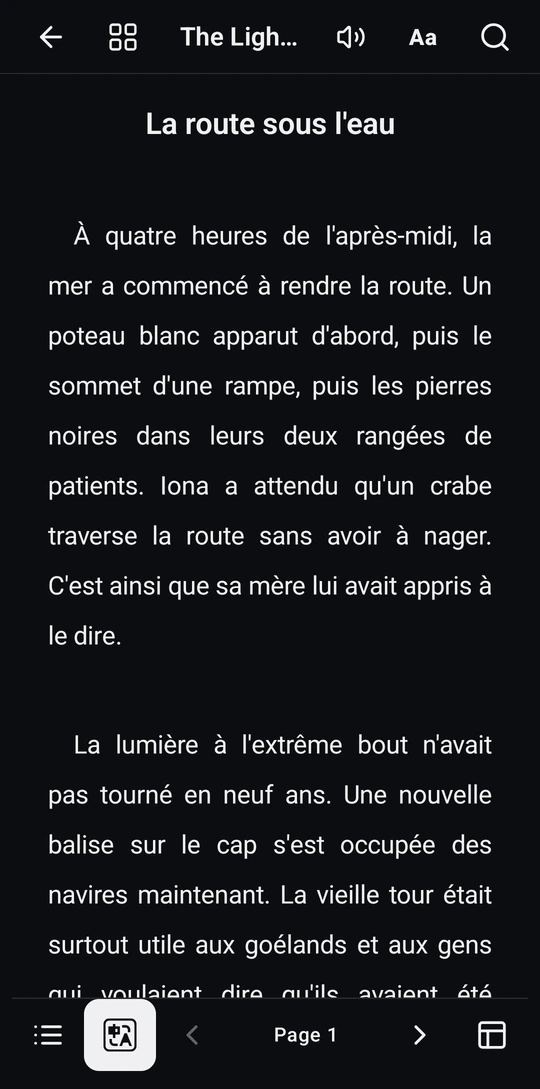
Read in another language

Translate supported text with a compatible provider and keep reading the same book.

  • Translate supported text in the reader
  • Recognize text on supported image pages with OCR
A French translation displayed on a page in the reader.

Ask about the page you’re on

With a compatible AI provider, ask who a character is, unpack a difficult passage, or recap what you’ve read. Spoiler Lock helps limit the context to where you are in the book.

  • Ask about characters, explain passages, and recap
  • Spoiler Lock and compatible AI providers

Keep the lines that stay with you

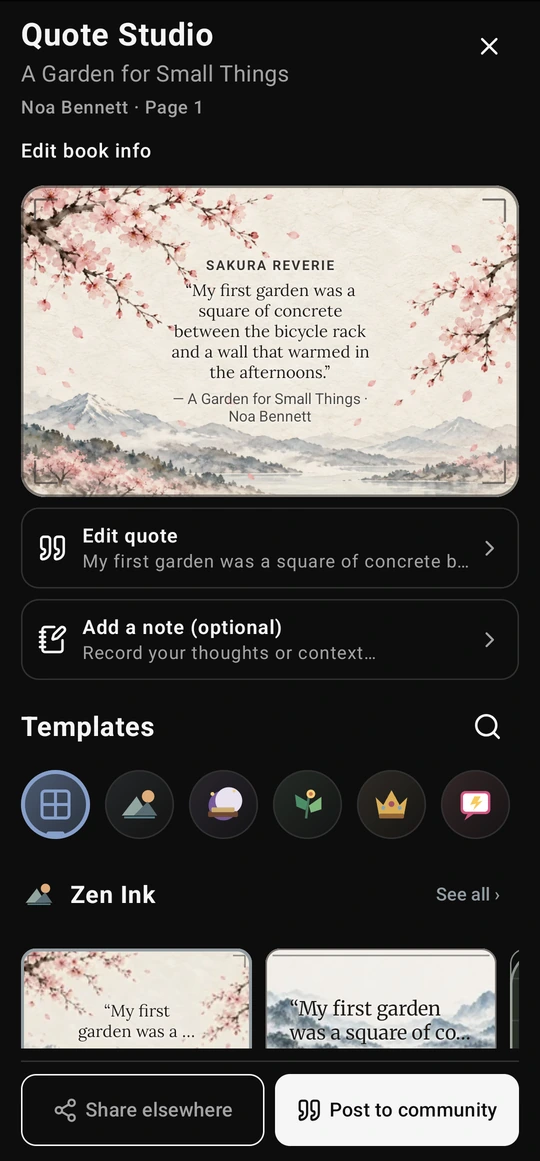
Turn a selected passage into a shareable card with Quote Studio. Choose a frame that fits the words.

  • Bookmarks, highlights, and notes
  • Turn a passage into a shareable illustrated quote card
Quote Studio showing a passage on an illustrated card.

Carry your library forward

Send books between compatible devices on your local network. Back up reading positions and annotations for supported books so you can return to them later.

  • Local network book transfers
  • Cloud storage connections and backups for supported books

Find your people on BookSky

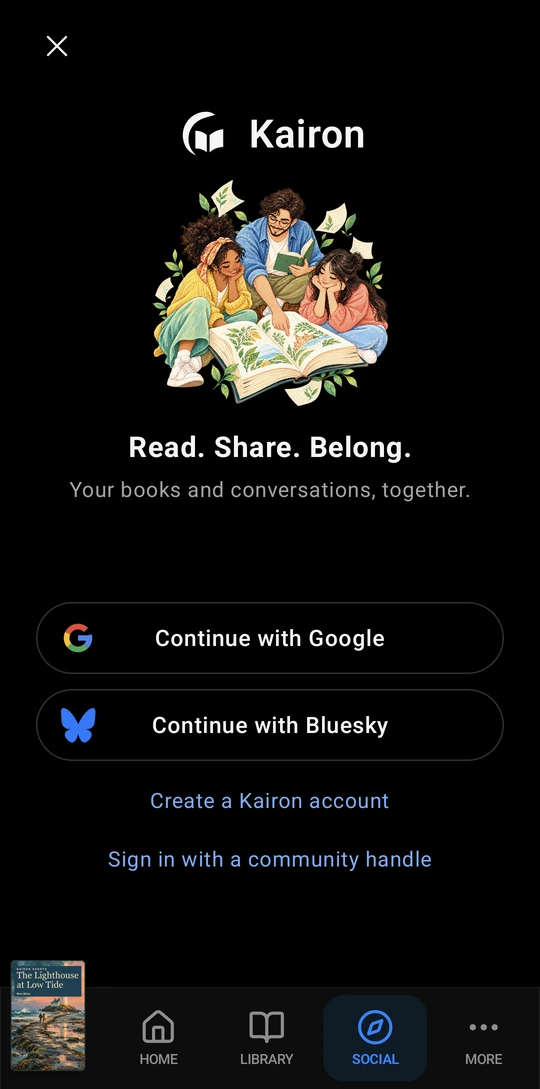
Explore book discussions and share what you’re reading through Kairon’s optional Social tab, connected to Bluesky and the AT Protocol.

  • Book discussions, feeds, and reading posts
  • Optional Social tab connected to Bluesky
The welcome screen in Kairon’s Social tab.

Where to get Kairon

Kairon is built for Android phones and tablets, including compatible Amazon Fire tablets. Store access depends on the release and your region.

  • Google PlayAndroid · In closed testing
  • Amazon AppstoreAvailable on compatible Fire tablets. Search for Kairon in the Amazon Appstore.

Frequently asked questions

Can I read without internet or an account?

You can open supported books already on your device offline without an account. Social and features that use online providers require a connection.

Which file types can I open?

Kairon opens supported EPUB, PDF, text and comic files, including CBZ, and plays compatible audiobooks. Available tools vary by format.

Does Read Aloud work offline?

It can use installed offline voices on compatible devices. Some voices and translation options require internet access.